OpenCode Coding Agent: terminal workflow, cheatsheet, and why it matters
A practical, personal guide to OpenCode: why I would use it, how it compares with Claude Code, and a small terminal cheatsheet for real projects.
Why I would use OpenCode
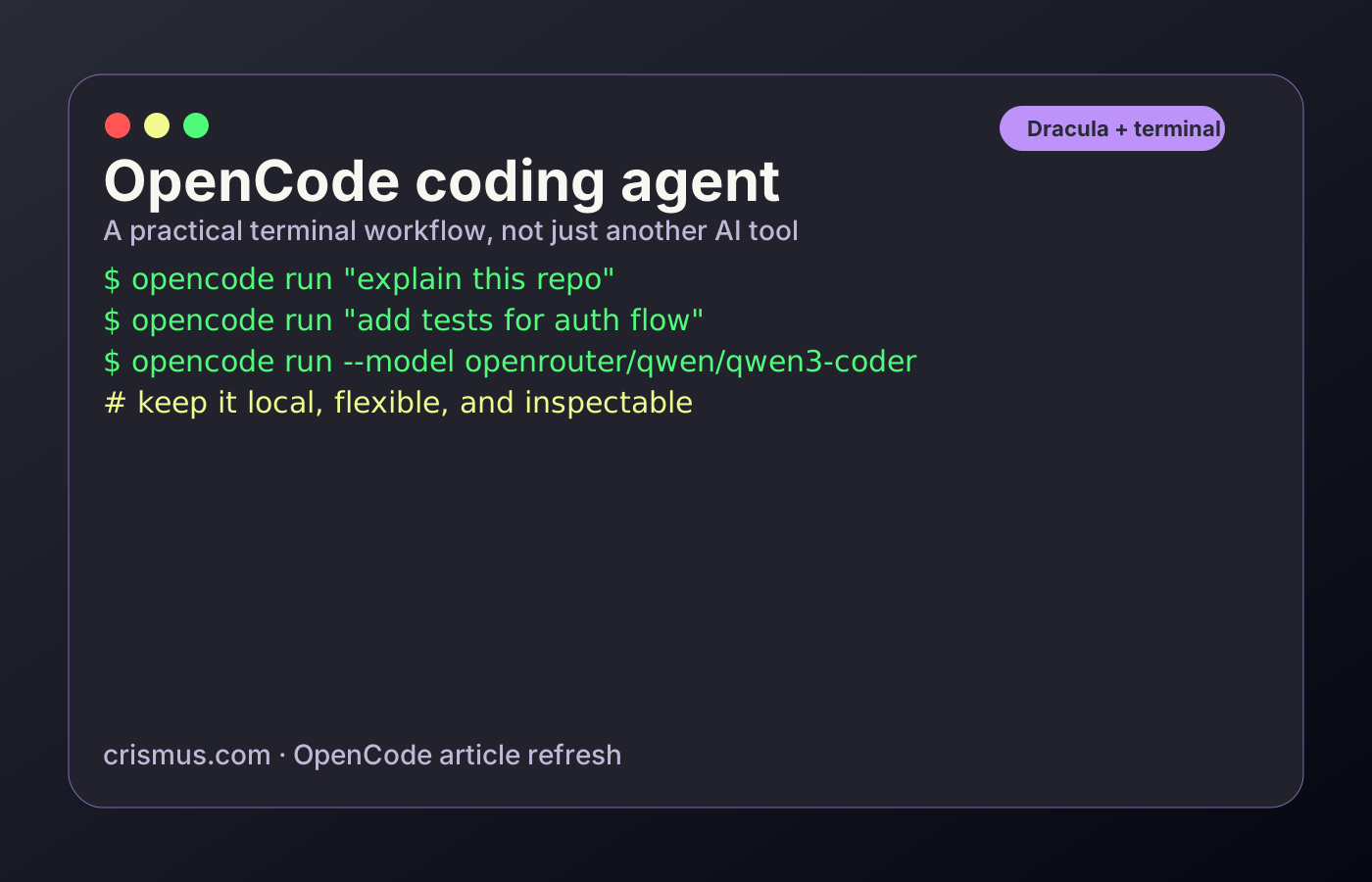
OpenCode feels useful when I want the coding agent to stay close to my normal terminal workflow. I can ask it to inspect a repository, make a change, review a diff, or explain a bug without turning the whole process into a separate IDE experience. The nice part is that it is open-source and provider-friendly, so I am not locked into one model or one company.
OpenCode vs Claude Code, in plain terms
Claude Code is still very strong for deep coding sessions and polished agent behavior. OpenCode is interesting for a different reason: it gives me more control over the stack. I can choose providers, experiment with models, keep the workflow terminal-first, and use it as a practical coding helper instead of a black-box product. For personal projects, that flexibility matters.
My OpenCode cheatsheet
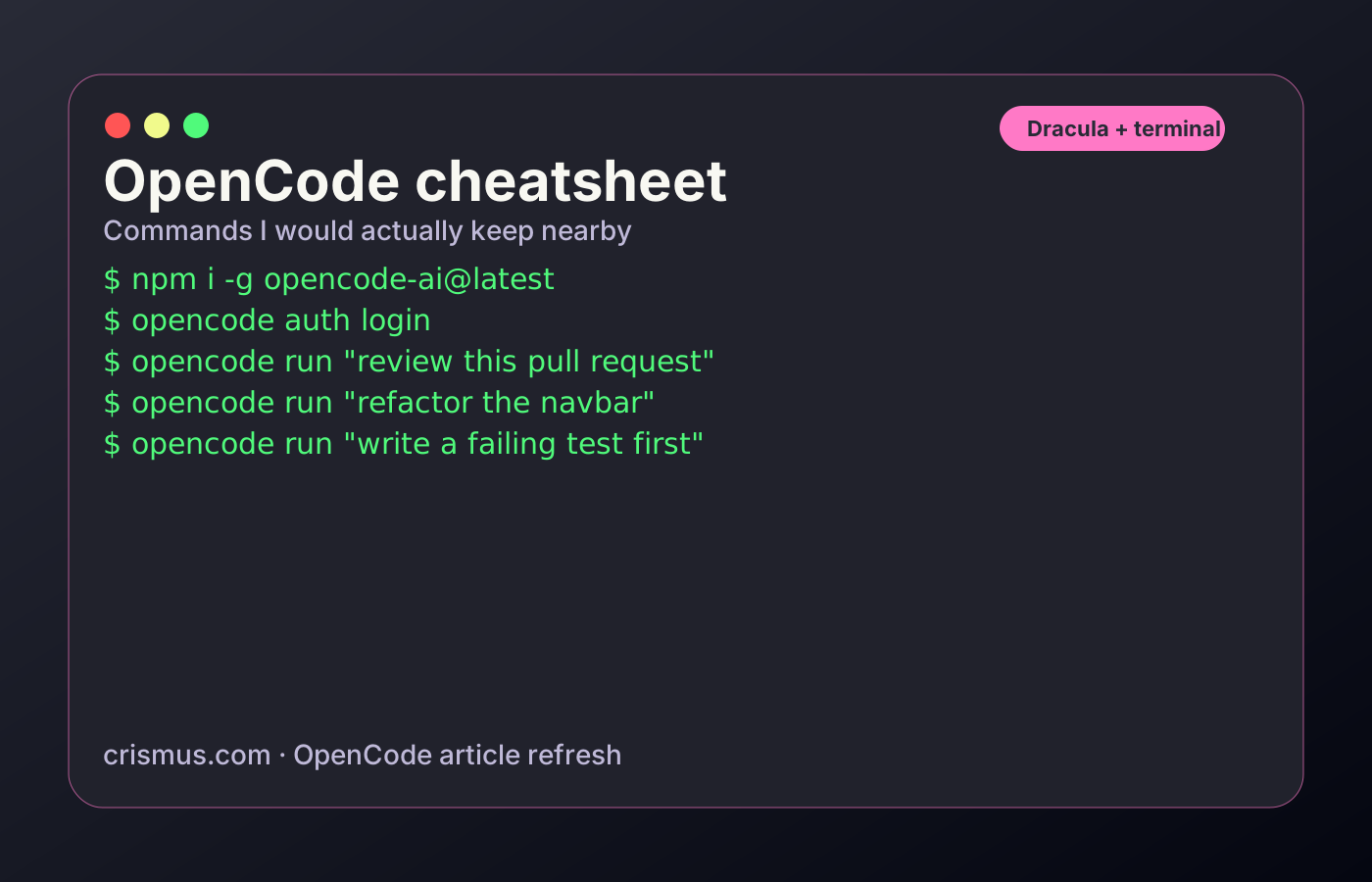
These are the commands I would keep in a small note when using OpenCode on a real project. The pattern is simple: authenticate once, run a specific request, check the diff, run the tests, then ask for a smaller follow-up if needed.
A practical workflow I like
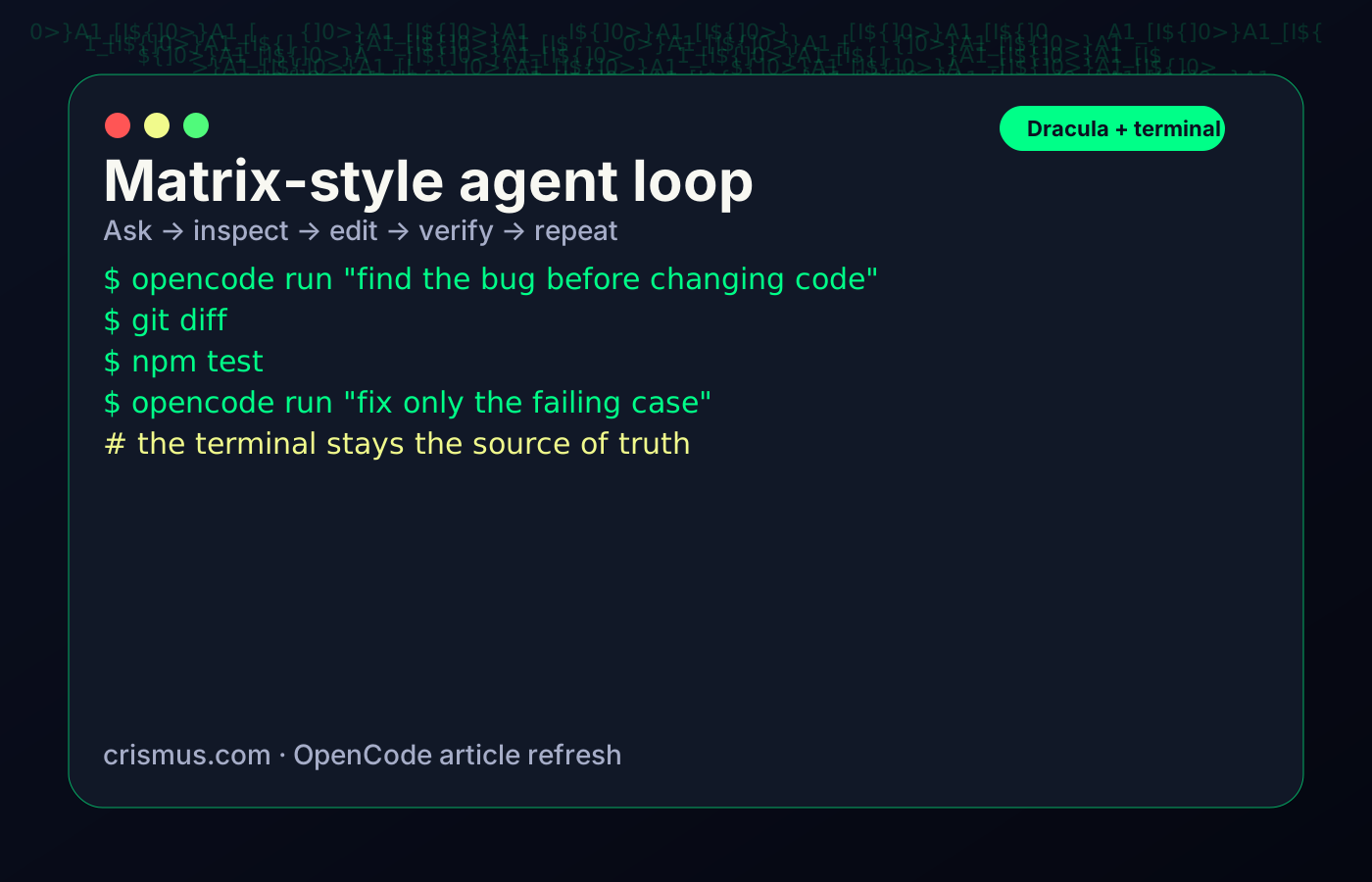
I would not use an agent by saying something vague like ‘make the app better’. I would give it one job at a time: inspect the repo, explain the issue, change the smallest useful piece, then verify with tests or a build. That keeps the output easier to review and avoids the agent rewriting too much code at once.
When I would pick OpenCode
I would pick OpenCode when I want an open-source coding agent, when I want to try different models, or when I want the terminal to remain the main place where work happens. It is especially good for personal projects, experiments, and setups where local or self-hosted model support is part of the appeal.